One cable for the screen, the network, USB sticks and charging: fit your ultrabook with the right USB-C station.
No products match these filters.
Frequently Asked Questions
Will my USB-C port drive a screen?
HDMI or VGA?
What is the charging port for?
Which model for wired networking?
How many ports do you need?
A USB-C dock connects the monitor or projector, the network, USB devices and the charger through a single cable. It helps on an ultrabook with only one or two USB-C ports, for teachers and students alike.
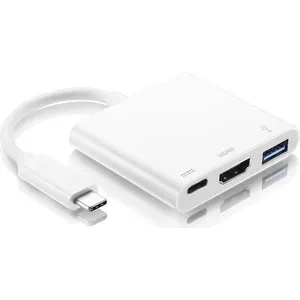
- The basics: the USB-C to HDMI 4K adapter with one USB 3.0 port and USB-C charging, for a screen and a flash drive.
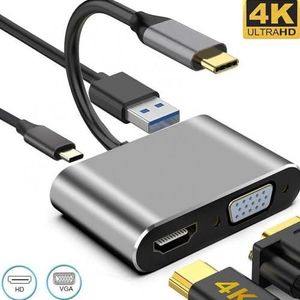
- Classroom: the 4-in-1 adapter adds VGA for older projectors.
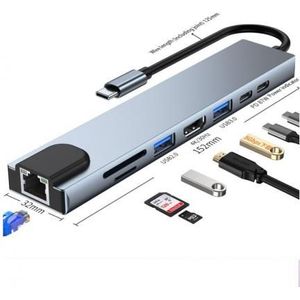
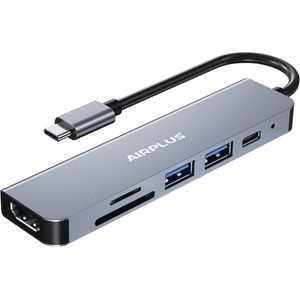
- Photos: the AirPlus 6-in-1 hub and the 8-in-1 adapter read SD cards, and the 6-in-1 reads microSD too.
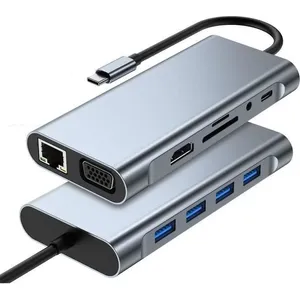
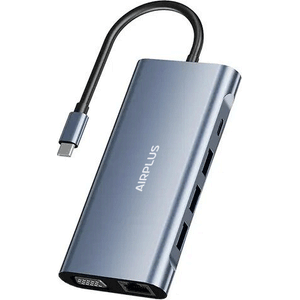
- Full desk setup: the 11-in-1 hub brings HDMI 4K, VGA, RJ45 and audio, the AirPlus 11-in-1 dock HDMI 4K, VGA, Ethernet and charging up to 100 W.
List what you plug in every day, add one spare port, and pick the model that covers it all.